


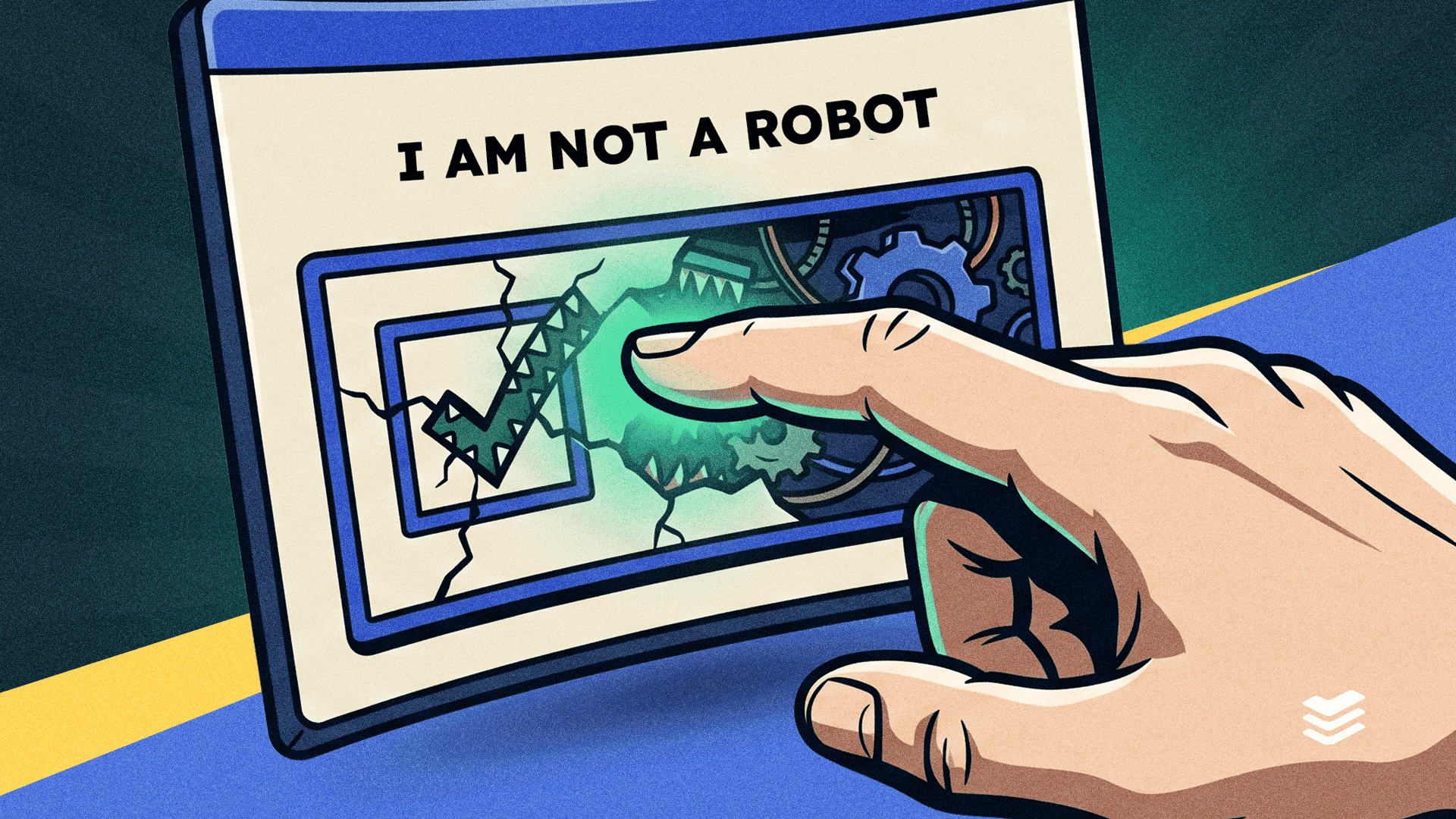
CAPTCHAs are an everyday internet security feature, so much so, that most of us rarely consider them anything more than a bit of an annoyance. But what if the puzzle you solved led to malware attack? Here’s everything you need to know about a new and sophisticated threat: fake CAPTCHA scams.
What is a CAPTCHA?
A CAPTCHA, or “Completely Automated Public Turing Test to Tell Computers and Humans Apart”, to give it its full name, is a security measure. As it says on the tin, its purpose is to differentiate between human users and bots.
CAPTCHAs present a challenge that’s easy for humans but difficult for computers to solve, such as clicking on pictures of motorbikes or buses until there aren’t any left. Or, if the website is a little more old school, entering a sequence of letters or numbers displayed on the screen. This helps protect websites from spam and other bot-driven attacks.
You’ll have almost certainly come across some form of CAPTCHA at some point; they’ve become one of the most regularly deployed security measures around. Unfortunately, cybercriminals have also figured out how to weaponise them to launch malware or phishing scams.
How do fake CAPTCHA scams work?
Fake CAPTCHA scams use familiar internet behaviour, such as solving a challenge, to trick users into executing commands that download and install malicious software. These scams are usually hosted on spoof websites, but not always. Some have managed to compromise legitimate websites.
One example is “ClickFix” which presents victims with a fake version of Cloudflare’s Turnstile CAPTCHA. What makes this so clever is that cybercriminals have copied everything from the visual layout to the unique identifier system Cloudflare uses to tag every request moving through its systems.
When users land on what they think is a CAPTCHA page, they’re promoted to tick the usual box to verify that they’re human. So far so normal, but what happens next is the crux of the scam. The victim follows a set of instructions that includes keying a seemingly random sequence in.
However, what appears random, is actually a cleverly concealed PowerShell command, copied onto the user’s clipboard. Once executed, this command goes and retrieves and runs malware on the user’s device and any systems connected to it.
The worst part about this threat? It can evade most standard defences. Tools like anti-virus software or anti-malware are usually designed to block suspicious downloads or activity. As a result, they’re unlikely to pick up a CAPTCHA scam because the user has been tricked into launching the malware themselves.
How can your business protect itself from fake CAPTCHA scams?
Given the sophistication of CAPTCHA scams, it might seem as though there’s little you can do to protect your business. But fear not, with the right combination of technical defences, employee training and continuous monitoring, it’s easily possible.
1. Set up advanced threat detection
First up, there’s a few things on the technical side it’s worth doing:
- Use browser isolation to prevent staff from interacting with fake CAPTCHA scams or any other untrustworthy scripts
- Enable bot dection and rate limiting on login portals to reduce the risk of credential stuffing or brute-force attacks
- Always use multi-factor authentication to block unauthorised access even if employee credentials are compromised
2. Train employees to recognise the risks
It’s a well worn statistic but around 95% of all breaches stem from some form of human error. The same is true when it comes to fake CAPTCHAs, even if the error is being tricked rather than careless. And, as with most other threats, the best way to counter this is through cybersecurity awareness training, this includes:
- Regular training to help your people recognise suspicious CAPTCHA behavior, such as requests to download software, run scripts, or enter sensitive information
- Use simulation based training, including fake CAPTCHA scenarios to build employee confidence in spotting scams
- Teach employees to carefully inspect URLs before interacting with CAPTCHA pages and to develop a “pause and verify” habit when something feels off
- Encourage reporting of suspicious CAPTCHA pages for early detection
- Put in place rules for CAPTCHA challenges. Your staff should only ever interact with them if they’re confident it’s hosted on a trusted website, verify URLs through SSL certificates, and never run scripts prompted by CAPTCHA pages
3. Continuous monitoring
As well as taking proactive steps to upskill your staff, it’s also advisable to use continuous monitoring and improvement to assess your defences.
- Use dark web monitoring services to detect if any employee or customer credentials have been compromised and exposed online
- Continuously monitor company systems for unusual or suspicious behaviour
- Conduct exercises simulating CAPTCHA phishing attacks to evaluate weaknesses and improve your defences
4. Secure your business’s domains
Finally, it’s often overlooked by businesses, but one of the best ways to avoid phishing scams like fake CAPTCHAs is to monitor your domains and act quickly to lock anything out of the ordinary down.
- Protect your email domains with DMARC, DKIM, and SPF policies to prevent spoofing that can lead to spear-phishing attacks using fake CAPTCHA pages.
- Monitor for typosquatting domains that mimic your legitimate URLs and take action to shut them down.
- Ensure legitimate login portals use CAPTCHA implementations with challenge-response verification rather than simple click-based CAPTCHA