


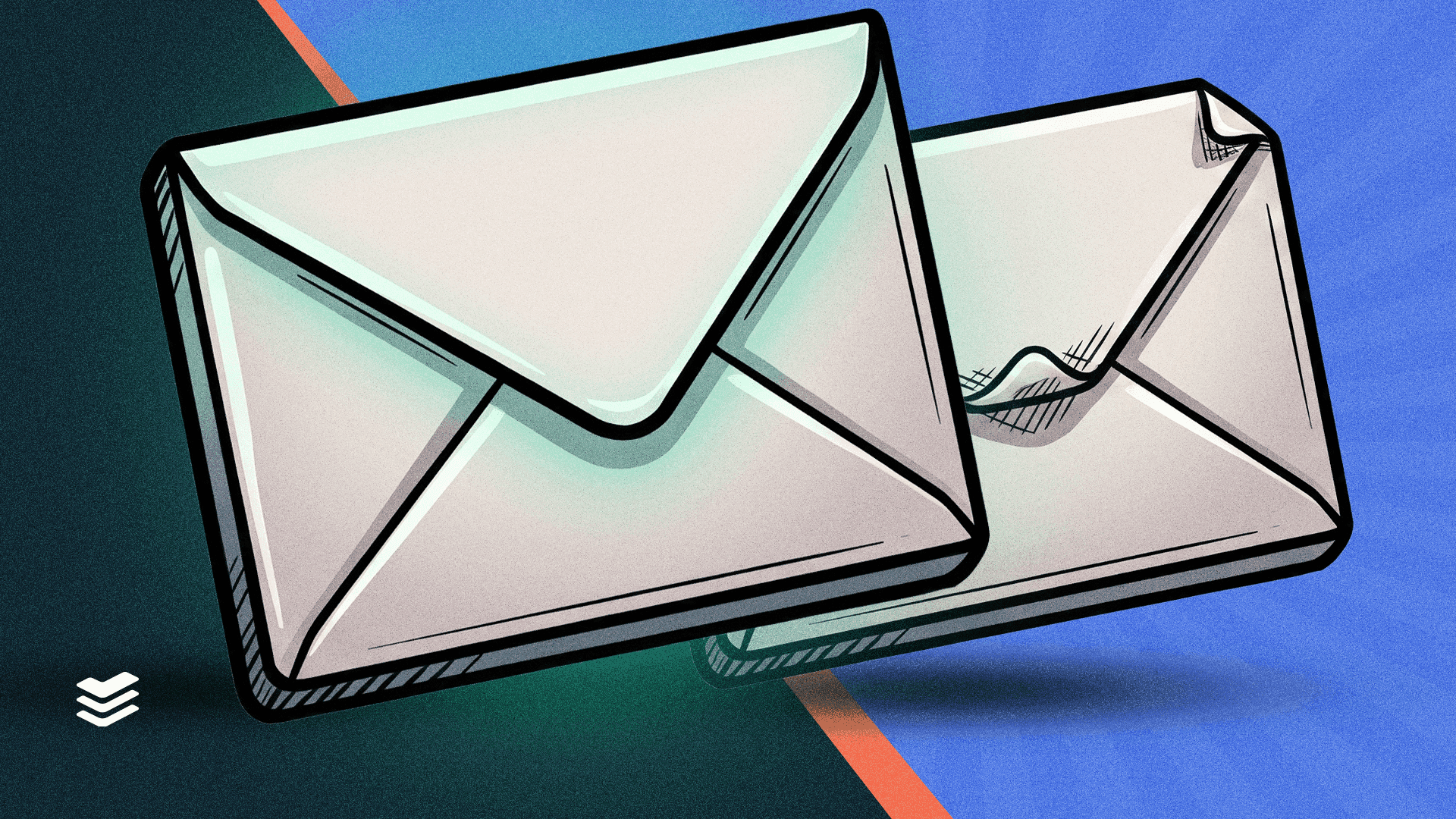
When it comes to cybersecurity threats, phishing remains the most persistent and dangerous. One particularly deceptive variant is clone phishing. This occurs when cybercriminals copy or clone a legitimate email and subtly alter it with malicious links or attachments, making it difficult to detect.
How does clone phishing work?
Clone phishing exploits familiarity and trust. Attackers first obtain a legitimate email, often through prior compromise or email interception, and then create a near-identical replica. They carefully replace real links or attachments with malicious ones while keeping the email's tone and formatting intact. The email is then sent to the original recipients or others in the same organisation, using a spoofed or compromised account.
Because the content appears routine and expected, victims are likely to interact without suspicion, enabling the attacker to steal credentials or install malware. Attacks can use clone phishing to bypass multi-factor authentication (MFA) by tricking users into entering their credentials and one-time MFA codes on a fake site.
Transform your team into your strongest security asset with CyberSmart Learn, our cybersecurity awareness training tool designed for businesses and MSPs.
Clone phishing vs spear phishing: what’s the difference?
Spear phishing involves crafting entirely new, personalised messages tailored to a specific individual. These emails often reference job titles, recent activities, or shared contacts to appear credible.
Clone phishing, on the other hand, is based on existing communications. The attacker takes a legitimate email you've seen before and duplicates it.
Some of the most common clone phishing techniques are:
Domain spoofing and lookalike domains
Attackers create fake email addresses or domains that appear legitimate at first glance.
Cybercriminals sometimes use a trick called homograph attacks to fool people into visiting fake websites. This involves using characters from different alphabets that look exactly like regular English letters, but are completely different.
For example:
- The website "amazоn.com" might look normal at first glance.
- But in this case, the letter 'о' isn’t the regular English (Latin) "o". It’s a Cyrillic 'о', which looks the same but is a different character entirely.
This subtle change is invisible to users but can redirect them to malicious websites controlled by attackers, where personal data may be stolen or malware installed.
Advanced URL obfuscation
To hide malicious destinations, attackers may use URL shorteners or compromised websites that redirect to harmful pages. This type of obfuscation makes it difficult, even for savvy users, to tell where a link goes before they click.
Mobile-optimised cloning
Many professionals check emails on mobile devices, where full URLs are hidden. Cybercriminals exploit this by crafting emails that display perfectly on small screens, increasing the chances that users will tap links or download files without verifying their authenticity.
How to spot a clone phishing attempt
Despite their convincing appearance, cloned phishing emails show subtle warning signs. Here’s how to spot them:
- Inspect the sender’s email address: instead of accounts@legitimatecompany.com, it might be accounts@legitirnatecompany.com. Always hover over the sender’s name to reveal the true address.
- Watch for unexpected urgency: if a routine invoice suddenly demands "immediate action to avoid suspension," it’s a red flag.
- Double-check any new instructions: new login links or payment details? Confirm with the sender through another channel before taking action.
- Trust your instincts: if something feels off, even slightly, it’s worth a second look.
Did you know? Microsoft, DocuSign, and internal Human Resources departments are the most impersonated entities in phishing attempts.
How to defend against clone phishing
Protecting against clone phishing requires a combination of user awareness and technical safeguards:
- Enable email authentication protocols like SPF, DKIM, and DMARC to prevent domain spoofing.
- Use anti-phishing filters and email threat detection tools that scan for suspicious links and attachments.
- Train employees to verify any unexpected emails, even those that appear routine or familiar.
Stay one step ahead of clone phishing
Clone phishing is stealthy, convincing, and increasingly common. Its ability to exploit trust and familiarity makes it especially effective, often evading both technical safeguards and human intuition.
By learning to recognise the subtle differences in emails, staying cautious with unexpected requests, and using secure communication channels for verification, you can reduce the risk of falling victim to clone phishing.
Want to give your people the skills to recognise cyber threats before they turn into breaches? Check out CyberSmart Learn, our cybersecurity focused learning management system.